|
|
|
|
Maximum
Intensity Projections (MIP)
MIPs
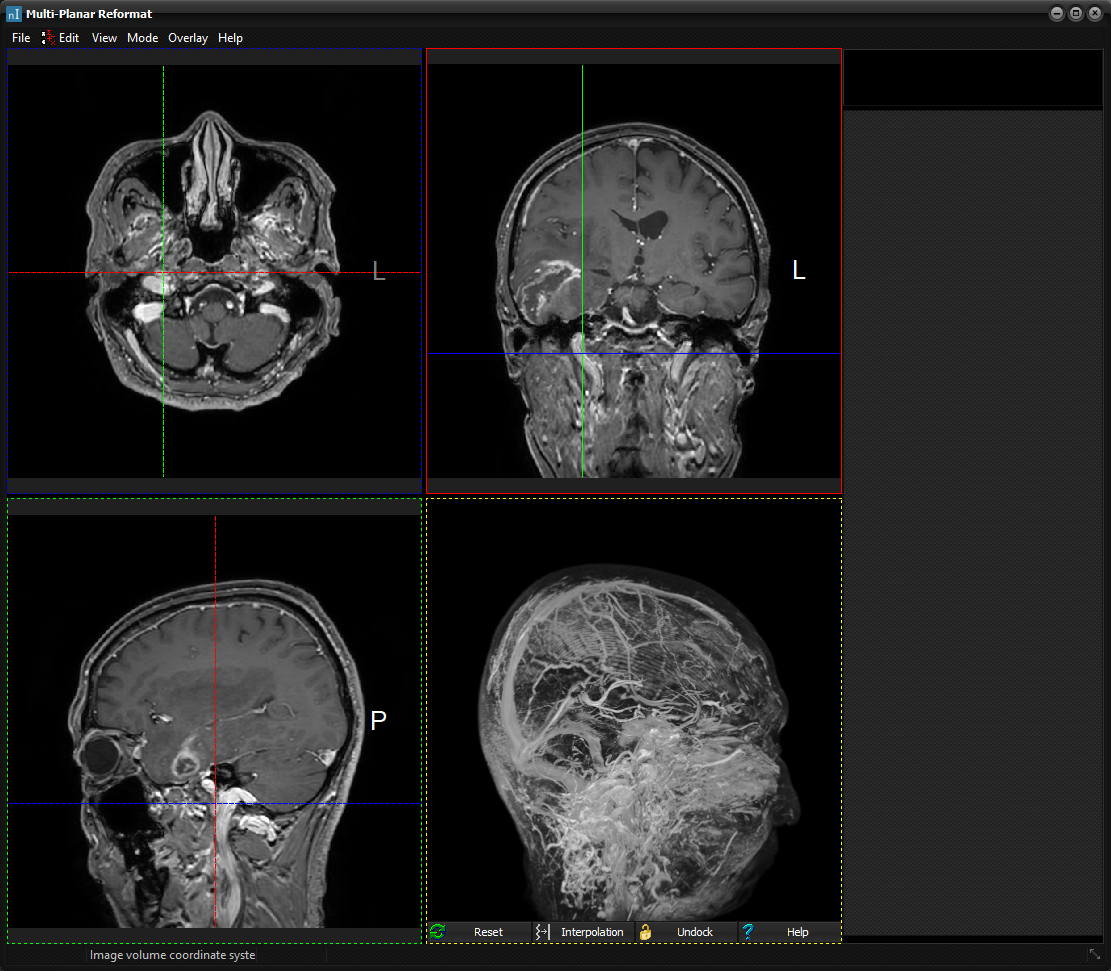
can be generated from the Multi Planar Reformat window (Process-> Multi
Planar Reformat) by selecting the MIP option from the Mode menu. By
default, the MIP window will appear in the lower right quadrant:
Maximum
intensity projection within the MPR window.
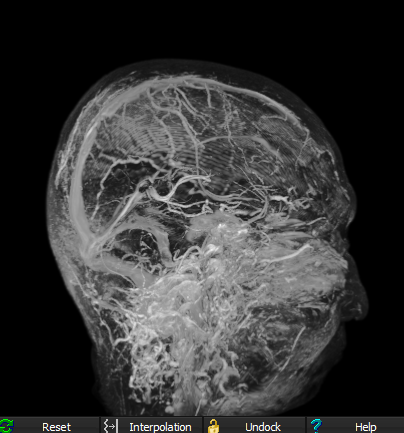
The MIP viewer contains the
following buttons: Reset Reset
the transformations applied in the MIP viewer. Interpolation Toggle
between linear (default) and nearest neighbor interpolation. Undock Undock
the MIP viewer from the MPR window. When undocked the Undock button
is changed to Dock so that the MIP viewer may be redocked into
the MPR window. Help Display
the Users Manual's dialog box section on MIP Related topics:
Multi-Planar Reformat (MPR)
|
|