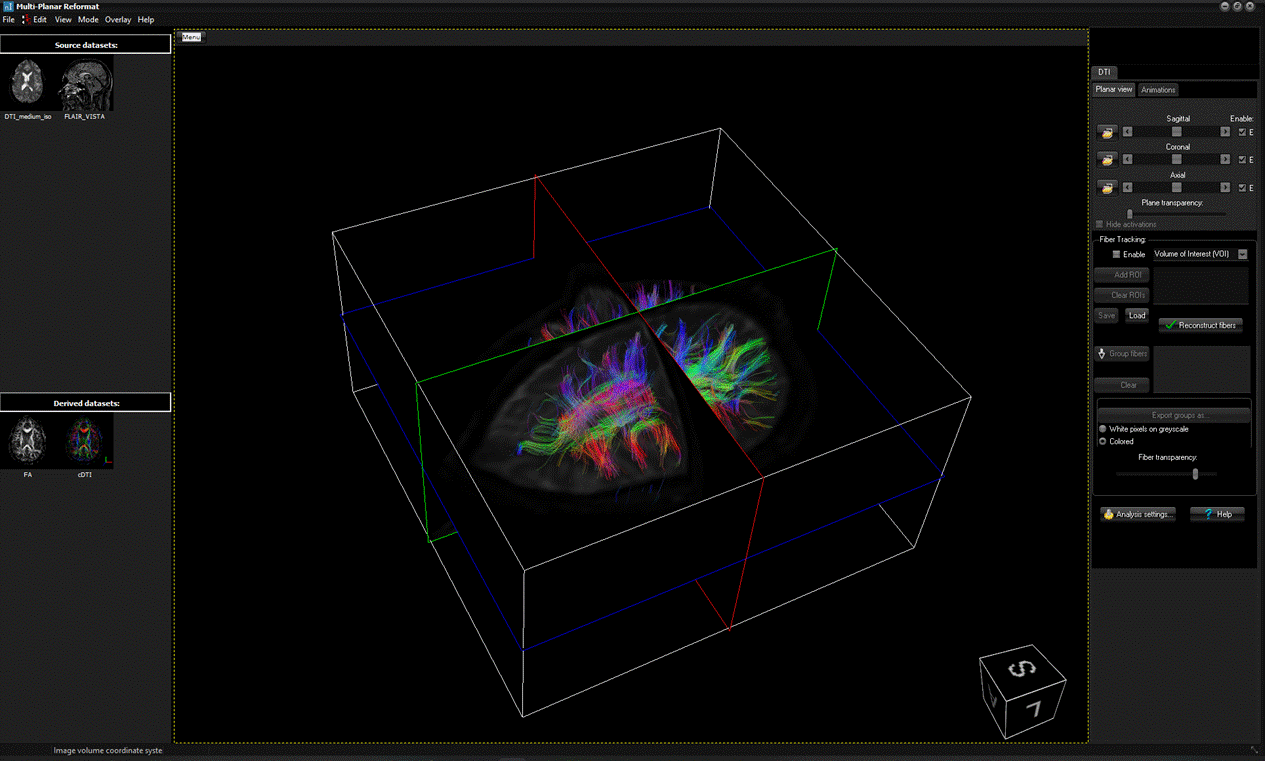
|
Option
|
Action
|
|
Load fibers..
|
Load reconstructed fibers from a file.
|
|
Save fibers...
|
Save current
displayed fibers to file.
|
|
Load activation...
|
Load BOLD activation
maps (format SPM/NifTI)
|
|
Load VOIs...
|
Load previously
saved Volume-Of-Interest(s) from file
|
|
Save VOIs...
|
Save current defined
Volume-Of-Interest(s) to file
|
|
Save snapshot to
database...
|
Save a snapshot of
the 3D window to the local DICOM database
|
|
Save snapshot to
PACS...
|
Save a snapshot of
the 3D window directly to PACS (if configured)
|
|
Save snapshot to
file...
|
Save a snapshot of
the 3D window to file.
|
|
Exit
|
Exit the
tractography 3D viewer.
|
|
Option
|
Action
|
|
Picked fiber properties
|
Define which
properties to be shown when using Pick fibers
feature
|
|
Volume of Interest |
View histogram
|
View histogram of
pixel-value frequency when using Volume of Interest (VOI) feature
|
|
Volume of Interest |
Hide box
|
Hide the Volume
of Interest (VOI) box in the 3D window
|
|
Hide control panel
|
Hide the control
panel on the right-hand side (e.g. for enabling full-screen
3D window)
|
|
Orientation box
|
Toggle on/off the
display of a image
volume orientation box in the bottom right corner of the 3D
window. The letters on the box indicates the
following;
A: Anterior, P: Posterior,
R: Right, L: Left,
I: Inferior, S: Superior.
|
|
Reset view
|
Reset the 3D view to
initial view.
|