|
|
|
|
Mirror
ROIs around a reference line
The current ROI can be mirrored around a reference line in the
image. This can be useful e.g. for selecting ROIs place symmetrically around
the mid-line of the brain or other organs. �
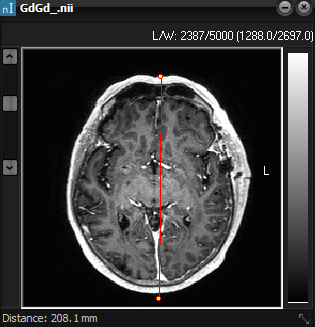
Use the Line Profile tool to draw a line in the image around
which you want ROIs to be mirrored �
Once the line is
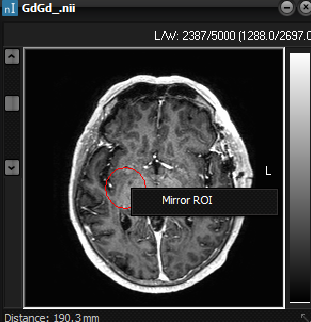
defined, draw a ROI in the desired reference position and right-click the
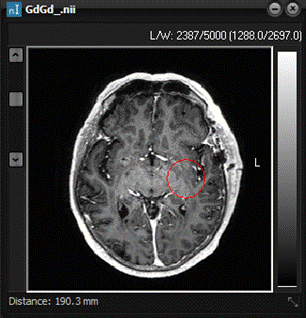
mouse inside the ROI and select �Mirror Roi�. The ROI will then be moved to
the opposite side of the selected reference line in symmetry with the
geometry of the image.
Related topics:
Saving
and loading ROIs
|
|