|
|
|
|
Save
ROI Buffer
The
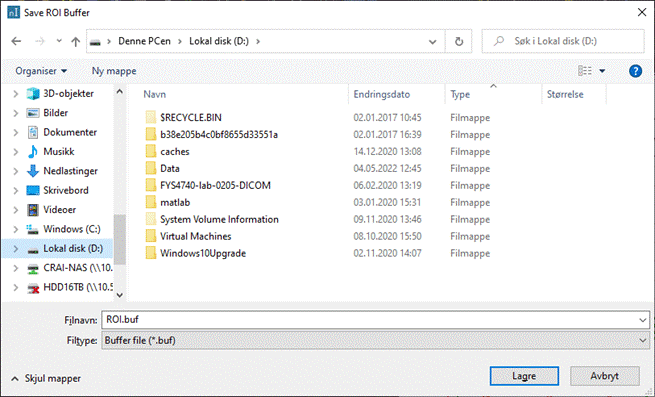
Save ROI Buffer dialog box is displayed when you select Save ROI
Buffer ... on the ROI Buffer dialog box or when selecting ROI ->
ROI Buffer -> Save... from the Measure menu.
Save file as type: The drop-down list offers two options, Buffer file (*.buf)
and All files. Existing files with the .buf
extension will be shown when the Buffer file (*.buf) option is
selected. Related topics:
Saving
and Loading ROI Specifications
|
|