Movie
The Movie dialog can be displayed by selecting Movie from the View menu.
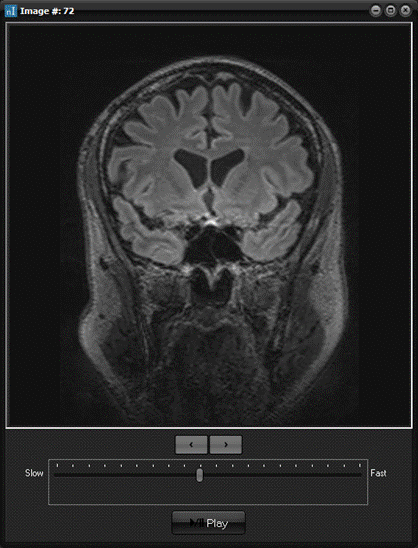
<
Move one image down
>
Move one image up
Ruler bar
Drag the pointer to the left for a slower scrolling speed, and
to the right for a faster scrolling speed.
Pause / Play
Stops and restarts the image scrolling
Note:
Tips:
- Movies can also be started by pressing

Related topics:
Run
movie

|