Adaptive Image Binarization
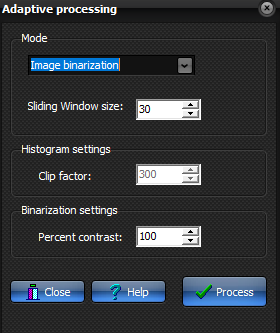
The adaptive binarization is
based on second moments: Given the value of the center pixel within the sliding
window, the output pixel is classified as either black or white depending on
whether the second moment to the "left" of this value is smaller or
larger than the second moment to the "right" ("to the
left" means "for the part of the histogram with pixel values
smaller than the center pixel value", and correspondingly for
"Right") However, if the total sum of second moments within the
sliding window is smaller than a certain contrast, the area is considered to
contain only one pixel class, and the output pixel is set to binary.
Sliding window size: Size (in pixels) of square sliding window. This
determines the local area of the image used to calculate each intensity
histogram distribution.
Percent contrast: If the contrast between the pixels within the sliding
window is smaller than the Percentage contrast then the window is
considered to be uniform. Contrast is normalized to 100.
set = 100 for a reasonable result
set = 0 to force all regions to be
accepted as non-homogeneous
set = 10000 (or higher) to only binarize
very high contrast regions
Sample cases:
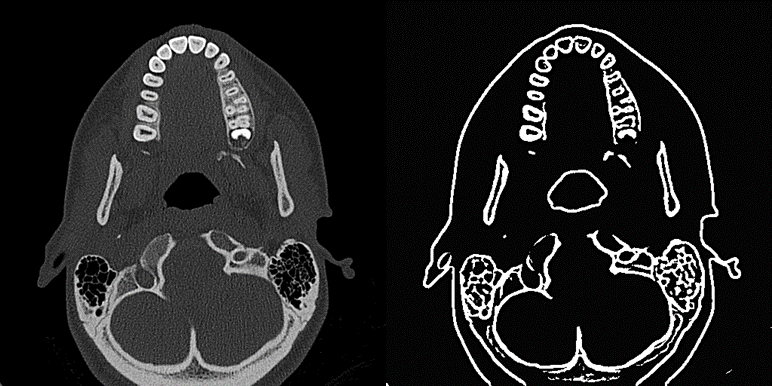
Figure 1 Original image (left) and same image after
binarization with Window size= 30 (right) and Percent contrast=100

|