Running
brain extraction
Running brain extraction.
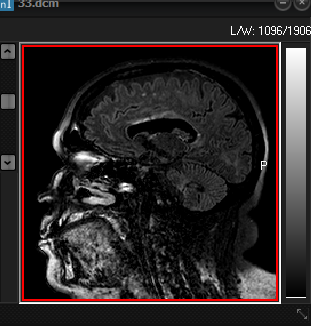 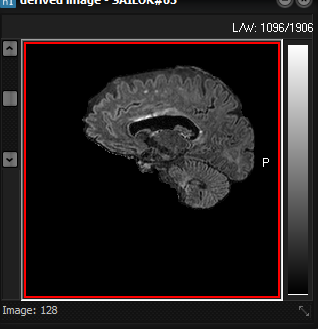
Screenshot
of original 3D volume (left) and resulting brain extracted volume (right)
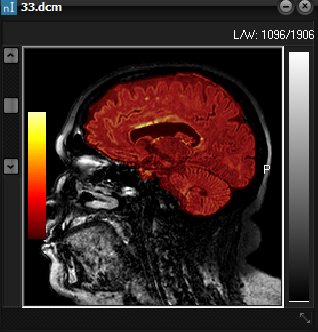
after preforming a brain extraction session. The resulting extracted brain volume
overlaid on the original is shown below.
When
the brain extraction is running the active nordicICE image window will
provide information about the various steps of the algorithm. The extraction
time depends on your computer hardware as well as the size of your image
volume. The extraction runs as a separate thread on your computer. Thus, you
may perform other tasks in nordicICE while brain extraction is running in the
background. If you want to abort the extraction process, you may simply close
the nordicICE image window for which you are extracting the brain.
|