Image
segmentation and masking (pixel edit)
Image
segmentation and masking (pixel edit) is available from the top menu and can
be used for lesion segmentation.

Once
a series is loaded into the workspace, the toolbox can be opened by using the
 button. button.
Here,
it is possible to select areas manually, using 'Add', and automatically using
'Seed growing', which is available in 2D or 3D mode.
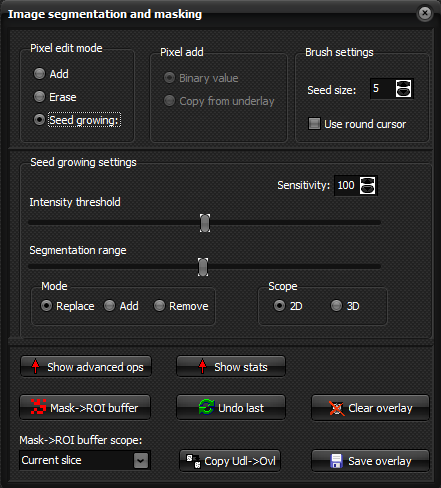
Selecting
Seed growing and click inside the volume to be segmented to automatically
segment the area:
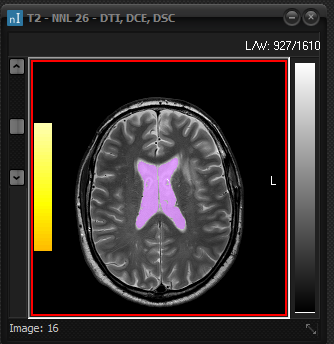
'Save
overlay' will save the segmented area into a mask in nifti format.

|